Home
Batch Invoicing Using Your Text or Voice Notes
*Cancel any time
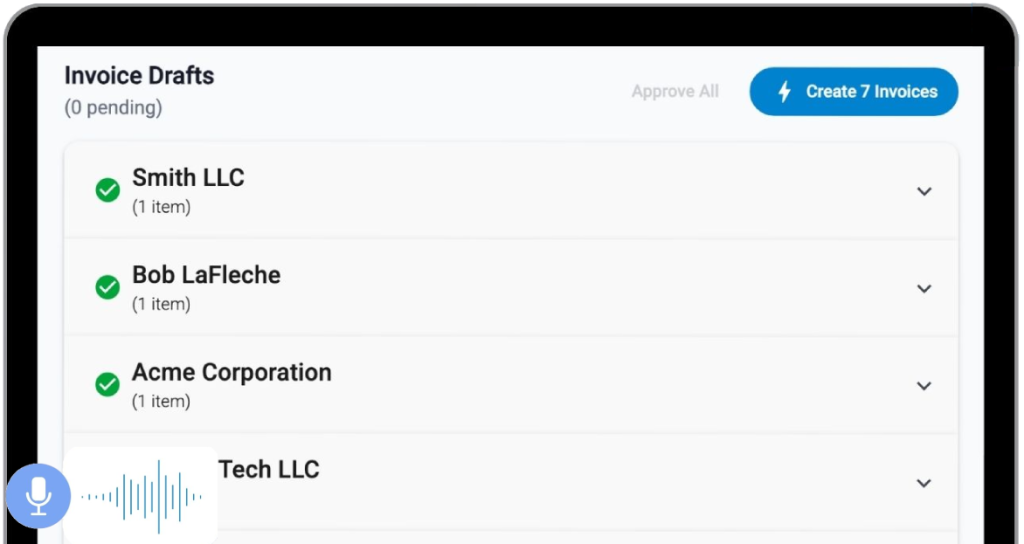
TOP BENEFITS
BatchInvoice lets you create invoices in seconds as PDFs or directly in your accounting platform.
Invoices in seconds
Professional PDF invoices
Create clean, ready to send PDF invoices that look professional and are easy to share with clients.
Accounting platform sync
Built to scale

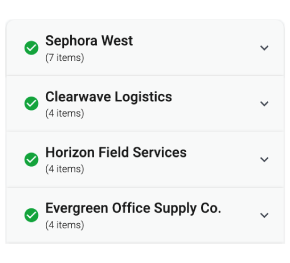
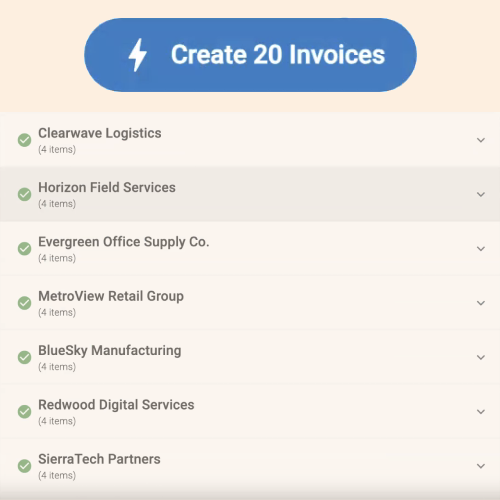
BATCH INVOICING
Create multiple invoices at once

Capture
Invoices from voice or text notes
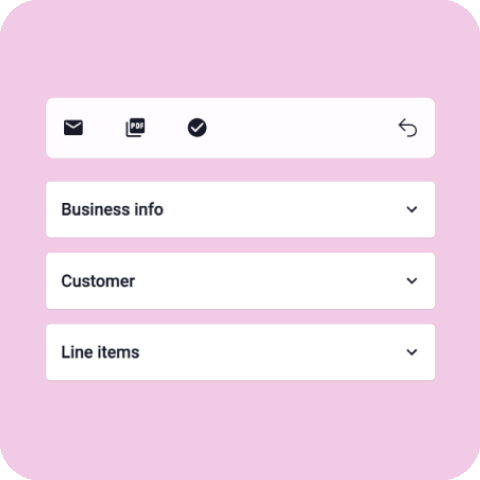
Invoice Generator
Online Invoice Generator
Easy
Tool Integrations
INTEGRATION
Works with your accounting tools
Pricing
Monthly
- 14-day free trial
- Voice & text capture
- Autofill client & item info
- Accounting platform sync
- Premium support
Bi-Yearly
- 1 month offered
- 14-day free trial
- Voice & text capture
- Autofill client & item info
- Accounting platform sync
- Premium support
Yearly
- 2 months offered
- 14-day free trial
- Voice & text capture
- Autofill client & item info
- Accounting platform sync
- Premium support
Yearly
- 2 months offered
- 14-day free Trial
- Voice & text capture
- Autofill client & item info
- Accounting platform sync
- Premium support
Bi-Yearly
- 1 month offered
- 14-day free trial
- Voice & text capture
- Autofill client & item info
- Accounting platform sync
- Premium support
Monthly
- 14-day free trial
- Voice & text capture
- Autofill client & item info
- Accounting platform sync
- Premium support
How does BatchInvoice connect to Quickbooks Online, Xero or Stripe?
Can I edit invoice drafts before they sync to my accounting platform?
How does voice input work?
Is there a free plan?
How do you handle data security?