Billing can quickly overwhelm small business owners. Manual invoice processing drains your time, invites errors, and slows down how fast you get paid. Doing everything by hand is frustrating when you need accuracy and speed to keep your finances on track.
The right technologies and features can turn invoicing from a stressful task into a reliable and fast process. With tools that handle data automatically, connect systems, and protect sensitive information, you get better control and peace of mind. These improvements free up your schedule and improve your cash flow.
Get ready to discover practical upgrades that will make your invoicing easier and more professional. These solutions open up new ways for you to save time, reduce mistakes, and keep your business running smoothly.
Table of Contents
- 1. Automated Invoice Creation For Fast Setup
- 2. Bulk Invoicing To Handle High Volume Billing
- 3. Professional Pdf Generation For A Polished Look
- 4. Seamless Integration With Accounting Platforms
- 5. Secure Oauth Connections For Data Protection
- 6. Autofill Capabilities To Reduce Manual Entry
- 7. Recurring Invoice Management For Repeat Clients
Quick Summary
| Takeaway | Explanation |
|---|---|
| 1. Automate Invoice Creation | Streamline your billing process by using automated invoicing software to save time and reduce human errors. |
| 2. Adopt Bulk Invoicing | Generate multiple invoices at once to drastically cut down administrative time and maintain consistent formats. |
| 3. Utilize Professional PDF Generation | Create visually appealing invoices that enhance brand perception and ensure document credibility. |
| 4. Implement Seamless Integration | Connect invoicing software with accounting platforms for real-time updates and reduced manual entry. |
| 5. Secure Data with OAuth | Use OAuth connections to protect sensitive financial information while enabling efficient software integration. |
1. Automated Invoice Creation for Fast Setup
Small businesses can dramatically transform their billing workflow through automated invoice creation – a game-changing approach that eliminates manual data entry and speeds up financial processes. By leveraging advanced software solutions, entrepreneurs can generate professional invoices in seconds instead of spending hours on repetitive administrative tasks.
Automated invoice processing uses artificial intelligence and machine learning to extract and validate invoice data with remarkable efficiency. The technology can handle multiple invoice formats, match purchase orders, and route financial information through workflows without human intervention.
Key benefits of automated invoice creation include:
- Reduced processing time by up to 85%
- Minimized human error
- Faster payment cycles
- Improved team productivity
- Enhanced financial record accuracy
Automation transforms tedious accounting tasks from hours of manual work into minutes of seamless digital processing.
To implement automated invoicing effectively, businesses should select software that integrates with their existing accounting platforms and supports multiple invoice formats. Look for tools that offer:
- Automatic data extraction
- Customizable invoice templates
- Secure cloud storage
- Real-time tracking capabilities
Pro tip: Start by digitizing your most frequent invoice types and gradually expand your automated invoicing system to cover more complex billing scenarios.
2. Bulk Invoicing to Handle High Volume Billing
For freelancers and small business owners juggling numerous clients, bulk invoicing emerges as a critical productivity strategy that transforms tedious billing processes into streamlined financial management. Efficient billing software allows entrepreneurs to generate multiple professional invoices simultaneously, dramatically reducing administrative overhead.
Bulk invoicing enables businesses to create numerous invoices with minimal manual intervention by leveraging advanced template systems and automated data population. This approach dramatically reduces time spent on repetitive administrative tasks while maintaining accuracy and professional presentation.
Key advantages of bulk invoicing include:
- Massive time savings for business owners
- Consistent invoice formatting
- Reduced human error
- Faster payment processing
- Improved cash flow management
Bulk invoicing transforms hours of manual work into minutes of efficient digital processing.
To implement bulk invoicing effectively, businesses should:
- Select invoicing software with robust template capabilities
- Standardize client and service information
- Create reusable invoice templates
- Integrate with existing accounting systems
Pro tip: Develop a standardized template library for different client types and services to maximize your bulk invoicing efficiency and reduce setup time for future billing cycles.
3. Professional PDF Generation for a Polished Look
In the competitive world of small business, first impressions matter – and your invoice is often the first financial touchpoint with clients. Professional PDF generation transforms mundane billing documents into polished representations of your brand that communicate reliability and attention to detail.
Modern invoicing solutions offer advanced PDF creation tools that automatically convert billing information into crisp, consistent, and visually appealing documents. These tools eliminate the need for manual formatting and ensure every invoice meets professional standards.
Key benefits of professional PDF invoice generation include:
- Consistent brand representation
- Instant document credibility
- Enhanced client perception
- Easy digital archiving
- Simple sharing and distribution
A well-designed PDF invoice speaks volumes about your business professionalism before a single word is read.
To leverage professional PDF generation effectively, businesses should:
- Select invoicing software with customizable templates
- Include comprehensive brand elements
- Ensure clear typography and layout
- Maintain consistent color schemes
Pro tip: Create a universal invoice template that reflects your brand identity and can be quickly customized for different clients while maintaining a professional aesthetic.
4. Seamless Integration with Accounting Platforms
Small businesses thrive when their financial tools communicate effortlessly – and accounting platform integration is the secret weapon for streamlined financial management. Automated invoicing software integrations eliminate manual data entry and create a unified financial ecosystem that saves time and reduces errors.
Seamless integration means your invoicing platform can automatically sync with popular accounting systems like QuickBooks, Xero, and Stripe. This connection allows real-time financial data transfer, ensuring your bookkeeping remains accurate and up-to-date without additional administrative work.
Key advantages of platform integration include:
- Automatic financial record updates
- Reduced manual data entry
- Faster reconciliation processes
- Enhanced financial reporting accuracy
- Simplified tax preparation
Integration transforms disconnected financial tools into a powerful, synchronized business management system.
To maximize accounting platform integration, businesses should:
- Select invoicing software with multiple integration options
- Verify compatibility with existing accounting systems
- Enable secure OAuth connections
- Regularly sync and validate financial data
Pro tip: Prioritize invoicing solutions that offer multi-platform integrations and test their connection capabilities before fully committing to ensure smooth financial workflow automation.
5. Secure OAuth Connections for Data Protection
In an era of increasing digital threats, data security is not optional – it is a critical business imperative. OAuth2 authorization frameworks provide small businesses with a robust mechanism to protect sensitive financial information while enabling seamless digital connections.
OAuth connections use advanced token-based authentication that eliminates the need to share raw passwords across different platforms. This means your invoicing software can securely connect with accounting systems and payment processors without exposing your critical login credentials.
Key benefits of secure OAuth connections include:
- Granular access control
- Reduced risk of credential theft
- Temporary, revocable access tokens
- Enhanced user privacy
- Regulatory compliance support
OAuth transforms digital connections from vulnerable pathways into secure, controlled communication channels.
To implement secure OAuth connections effectively, businesses should:
- Choose platforms supporting modern OAuth standards
- Enable multi-factor authentication
- Regularly review and audit connected applications
- Use unique tokens for different services
Pro tip: Always review the specific access scopes when authorizing OAuth connections and only grant the minimum permissions necessary for your business operations.
6. Autofill Capabilities to Reduce Manual Entry
Time is money – and nowhere is that more true than in small business billing processes. Autofill capabilities transform tedious data entry from a time-consuming chore into a swift, effortless task that can save entrepreneurs hours of administrative work each week.
Intelligent autofill technology learns from your previous invoices and automatically populates recurring client information. This means fewer keystrokes, reduced errors, and the ability to generate professional invoices in seconds instead of minutes.
Key advantages of autofill features include:
- Dramatically reduced data entry time
- Consistent information across invoices
- Minimized human error
- Faster invoice generation
- Improved client data management
Autofill turns repetitive data entry from a productivity drain into a seamless background process.
To maximize autofill capabilities, businesses should:
- Maintain clean and updated client databases
- Enable comprehensive client profile tracking
- Regularly validate saved information
- Use cloud-based systems for continuous learning
Pro tip: Invest time upfront in creating comprehensive client profiles to maximize the long-term efficiency of your autofill system and reduce manual input.
7. Recurring Invoice Management for Repeat Clients
Consistent billing transforms business relationships – and recurring invoice management is the secret weapon for entrepreneurs working with repeat clients. Automated recurring invoices eliminate the monthly hustle of manual billing while ensuring steady cash flow and professional client interactions.
This powerful feature allows businesses to schedule automatic invoices for subscription services, retainer contracts, and installment payments without manual intervention. By establishing predefined billing cycles, you create a predictable revenue stream and reduce administrative complexity.
Key benefits of recurring invoice management include:
- Predictable revenue tracking
- Reduced administrative workload
- Consistent payment schedules
- Improved client relationships
- Enhanced financial planning
Recurring invoices transform sporadic billing into a smooth, automated financial process.
To implement recurring invoices effectively, businesses should:
- Identify consistent billing clients
- Set clear invoice intervals
- Configure automatic payment reminders
- Allow flexible modification options
Pro tip: Create invoice templates for different recurring client types and review your automated billing settings quarterly to ensure accuracy and alignment with current business needs.
Below is a comprehensive table summarizing strategies and benefits discussed in the article concerning effective invoicing and billing practices for small businesses.
| Aspect | Key Details | Benefits and Outcomes |
|---|---|---|
| Automated Invoice Creation | Utilizes AI for generating and validating invoices promptly. | Accelerates processing, lowers errors, boosts data accuracy. |
| Bulk Invoicing | Permits simultaneous creation of numerous invoices using templates. | Saves time, ensures consistency, streamlines bulk tasks. |
| Professional PDF Generation | Converts billing details into a polished, professional PDF format. | Enhances brand credibility and facilitates distribution. |
| Integration with Accounting Tools | Synchronizes invoices with accounting software like QuickBooks. | Automates data updates and improves financial workflows. |
| Secure OAuth Connections | Implements token-based secured authorization for system linking. | Safeguards sensitive information, diminishes corruption risks. |
| Autofill Features | Reuses saved data for rapid information population on recurring invoices. | Lessens manual entry efforts, maintains info uniformity, expedites tasks. |
| Recurring Invoice Management | Automates recurring bills for consistent client billing cycles. | Predictable revenues, stronger client bonds, streamlined operations. |
Transform Your Small Business Invoicing with BatchInvoice
Managing invoicing challenges like slow manual entry, inconsistent formatting, and disconnected accounting systems can drain your time and harm cash flow. This article highlights critical features such as automated invoice creation, bulk invoicing, professional PDF generation, and secure OAuth connections that help you overcome these pain points while improving accuracy and productivity.
BatchInvoice.co is designed exactly for small to medium-sized businesses and freelancers who want to save up to 90% of their invoicing time by automating repetitive tasks and managing high-volume billing with ease. Explore how our platform supports seamless accounting integration, autofill capabilities, and recurring invoice management to make your invoicing experience effortless and professional. Discover more insights in our Uncategorized Archives – BatchInvoice to stay updated on best practices and solutions.
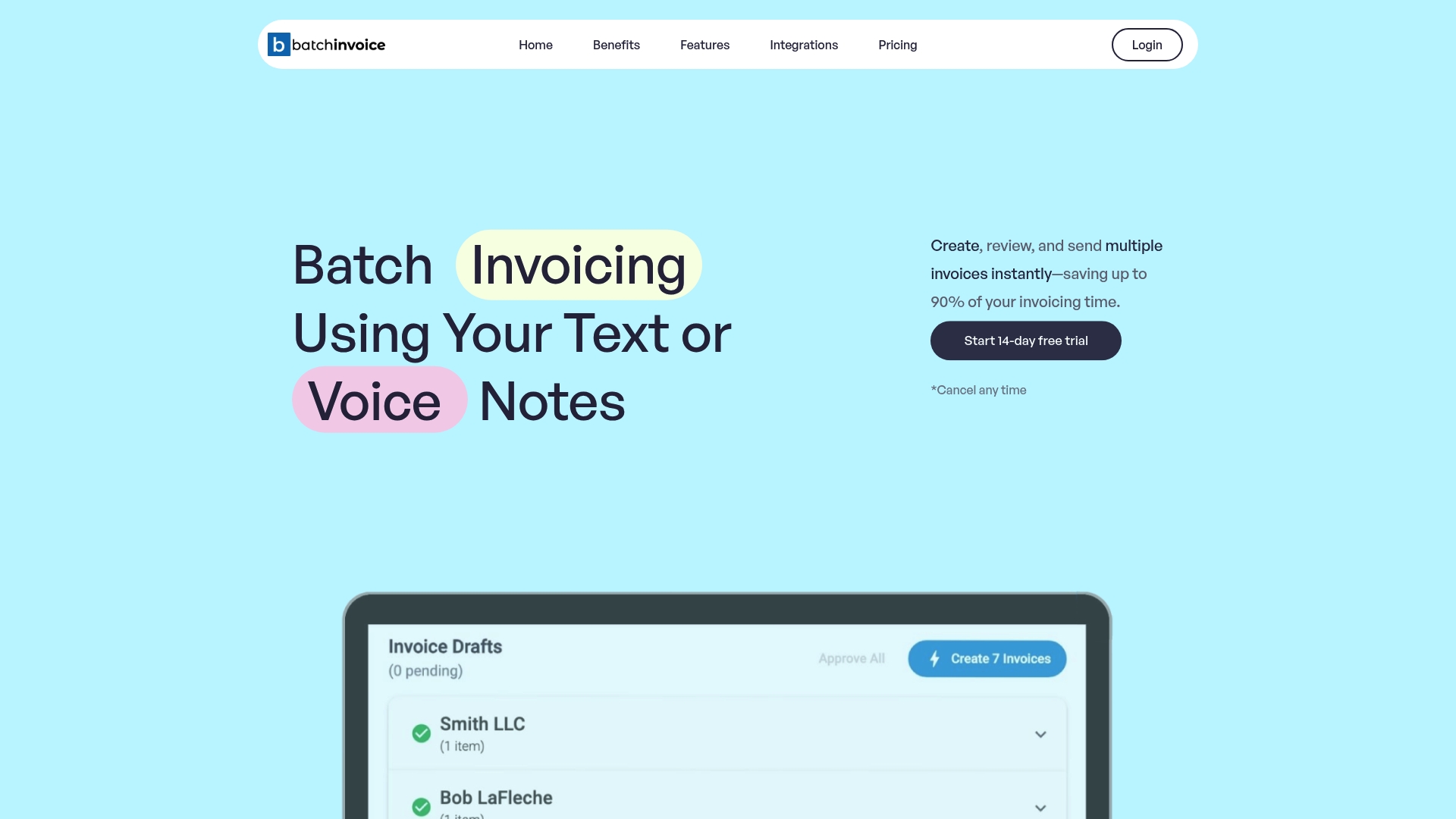
Take control of your financial workflow today by visiting BatchInvoice.co. Start your free trial now and experience firsthand how streamlined invoicing can restore your focus on growing your business while reducing administrative overhead.
Frequently Asked Questions
What are the key benefits of automated invoice creation for small businesses?
Automated invoice creation dramatically reduces the time spent on billing tasks, cutting processing time by up to 85%. To implement this feature, choose software that streamlines data extraction and offers customizable templates.
How can bulk invoicing improve my business’s billing efficiency?
Bulk invoicing allows you to create multiple invoices at once, significantly reducing administrative effort and ensuring consistency across all documents. Start by standardizing client information and developing reusable templates to maximize efficiency.
Why is professional PDF generation important for my invoices?
Professional PDF generation ensures your invoices are visually appealing and reflect your brand’s image, giving clients a positive first impression. To leverage this feature, select invoicing software that offers customizable templates and consistent formatting options.
How does seamless integration with accounting platforms enhance financial management?
Seamless integration allows for real-time data syncing between your invoicing software and accounting systems, reducing manual entry errors. Ensure your chosen invoicing system is compatible with existing platforms to streamline your bookkeeping process.
What are secure OAuth connections, and why are they essential for invoicing?
Secure OAuth connections protect your financial data by using token-based authentication, minimizing the risk of credential theft. Make sure your invoicing software supports modern OAuth standards to safeguard sensitive information during financial transactions.
How can I benefit from recurring invoice management for repeat clients?
Recurring invoice management automates billing for regular clients, providing predictable revenue and simplifying administrative tasks. Identify clients with consistent billing needs and set automatic payment intervals to streamline your cash flow.