Sorting out invoices becomes a challenge as business grows, especially when handling hundreds every month. For small business owners and freelancers, choosing the right digital billing tools can mean the difference between late payments and reliable cash flow. Understanding the difference between basic PDF invoicing and true electronic billing helps you automate tasks and stay compliant with European standards, giving you back more time to focus on growth.
Table of Contents
- Defining PDF Invoicing And Common Myths
- Key Features Of PDF Invoice Solutions
- PDF Invoicing Versus Electronic Invoicing
- Legal, Security, And Compliance Essentials
- Common Risks And Mistakes To Avoid
- Boosting Efficiency With SaaS PDF Automation
Key Takeaways
| Point | Details |
|---|---|
| Understanding PDF Invoicing | PDF invoices are digital representations of paper documents but lack the automation and data structure of true electronic invoices. |
| Importance of Automation | Advanced PDF invoicing solutions offer automation features that significantly enhance efficiency and reduce human error. |
| Compliance and Security | Businesses must prioritize data protection and ensure compliance with regulations to safeguard financial information. |
| Migration to Electronic Invoicing | Transitioning from PDF to electronic invoicing can streamline workflows and improve data accuracy, enabling better financial management. |
Defining PDF Invoicing and Common Myths
PDF invoicing represents a digital approach to billing that transforms traditional paper-based processes into electronic documents. While many businesses assume PDFs are equivalent to electronic invoices, the reality is more nuanced. Electronic invoicing myths persist that can lead to misunderstandings about compliance and automation.
A PDF invoice is fundamentally a digital representation of a paper document with specific characteristics:
- Maintains original formatting and design
- Preserves visual layout across different devices
- Can be easily shared via email or digital platforms
- Appears identical to a printed document
However, not all digital invoices are created equal. Professional invoicing platforms distinguish between simple PDF conversions and true electronic invoices that offer advanced functionality.
Common myths about PDF invoicing often mislead small business owners and freelancers. These misconceptions can impact financial workflows and potential automation opportunities. Key misunderstandings include:
- Believing all PDFs are automatically machine-readable
- Assuming PDFs meet complex regulatory electronic invoicing standards
- Thinking PDF invoices provide the same level of data extraction capabilities as structured electronic formats
In reality, while PDFs are human-readable, they frequently lack the structured data elements required for seamless financial system integration. True electronic invoices must support automated processing, data extraction, and direct integration with accounting platforms.
Pro tip: Always verify your invoicing solution’s compatibility with your accounting software to ensure smooth digital workflow integration.
Key Features of PDF Invoice Solutions
PDF invoice solutions have revolutionized financial document management through advanced technological capabilities. Modern platforms leverage automated invoice processing technologies that transform how businesses handle billing documentation, offering unprecedented efficiency and accuracy.
Key technological features of sophisticated PDF invoice solutions include:
- Optical Character Recognition (OCR) for automatic data extraction
- Intelligent validation and error checking mechanisms
- Seamless integration with existing accounting platforms
- Multi-device compatibility and cloud storage options
- Advanced security protocols to protect sensitive financial information
These solutions go far beyond simple document conversion. Intelligent invoice processing uses artificial intelligence and machine learning algorithms to automatically capture, validate, and route invoice data without manual intervention. This approach dramatically reduces human error and accelerates financial workflows.
The most advanced PDF invoice platforms offer comprehensive features designed to streamline business operations:
- Automatic purchase order matching
- Duplicate invoice detection
- Real-time discrepancy alerts
- Customizable approval workflows
- Comprehensive audit trail documentation
Businesses can significantly reduce administrative overhead by implementing these sophisticated digital invoicing tools. The ability to automatically process, validate, and route invoices eliminates repetitive manual tasks and minimizes potential human error.
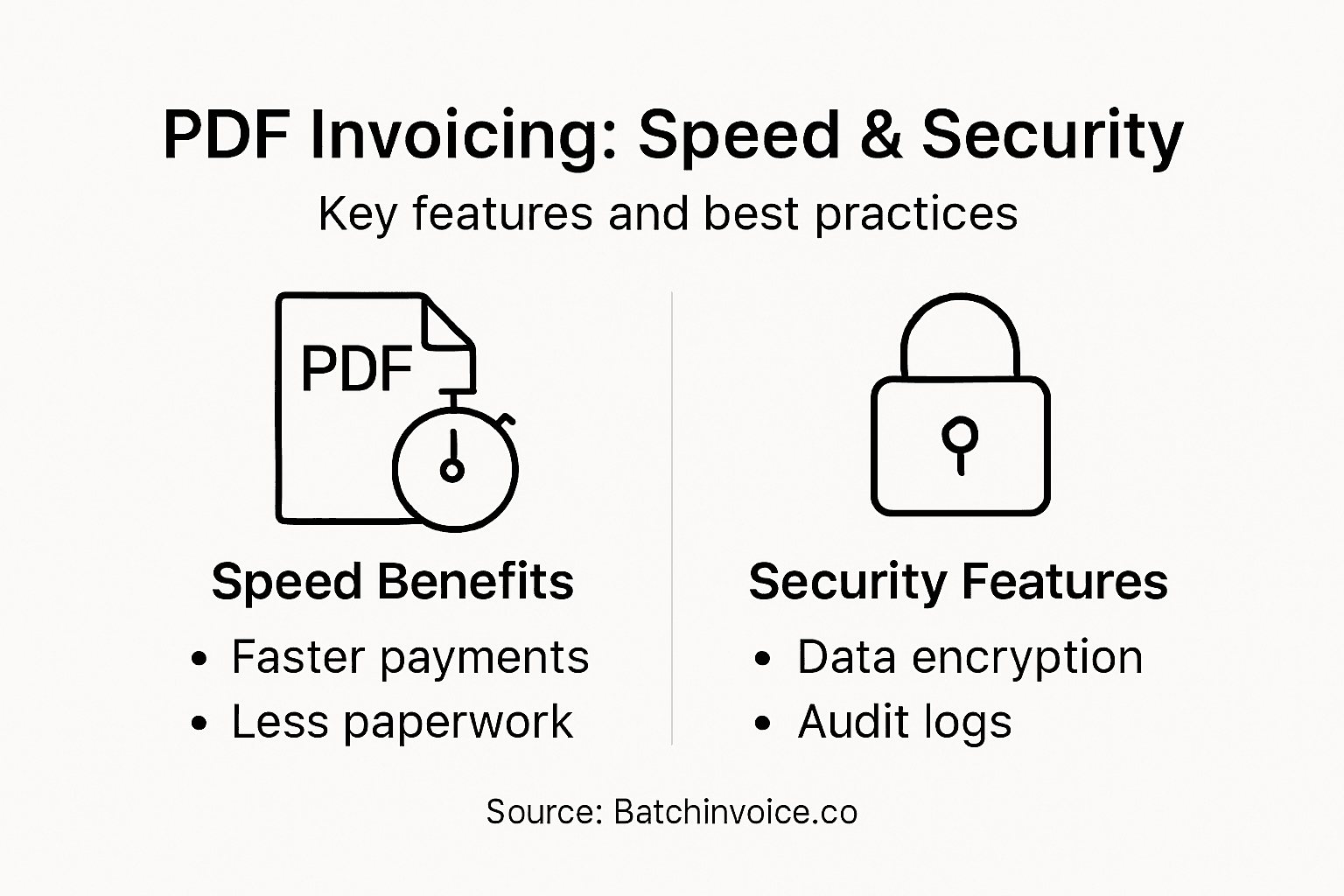
This summary shows how advanced PDF invoice platforms benefit business operations:
| Feature | Description | Impact on Workflow |
|---|---|---|
| Automated Validation | Highlights errors and discrepancies | Faster problem resolution |
| Approval Management | Customizable review steps | Streamlined authorization |
| Audit Trail Documentation | Tracks all data changes | Improved accountability |
| Purchase Order Matching | Links invoices to orders | Easier reconciliation |
Pro tip: Select a PDF invoicing solution that offers robust integration capabilities with your existing accounting and financial management systems to maximize workflow efficiency.
PDF Invoicing Versus Electronic Invoicing
Businesses increasingly face complex decisions about digital invoicing methods, particularly when understanding the critical differences between PDF and electronic invoicing. Electronic invoicing standards represent a fundamental shift in financial document management, offering far more than traditional PDF approaches.
Key differences between PDF and electronic invoices include:
-
PDF Invoices:
- Human-readable visual documents
- Require manual data entry or OCR processing
- Limited automation capabilities
- Resemble traditional paper invoices
-
Electronic Invoices:
- Machine-readable structured formats
- Automatic data processing
- Full integration with financial systems
- Comply with international regulatory standards
The primary distinction lies in data structure and processing capabilities. Electronic invoices are designed for seamless digital workflows, enabling automatic validation, routing, and integration across different accounting platforms. Unlike PDFs, which essentially serve as digital images, electronic invoices contain embedded, structured data that can be directly interpreted by financial software.
From a regulatory perspective, electronic invoices offer significant advantages:
- Compliance with EU Directive 2014/55/EU
- Legal equivalence to paper documents
- Enhanced security and authentication features
- Streamlined cross-border business transactions
- Reduced processing time and administrative overhead
While PDF invoices remain useful for visual documentation, businesses seeking maximum efficiency should transition toward fully electronic invoicing solutions that support automated processing and comprehensive digital workflows.
Here’s a clear comparison of PDF invoices and electronic invoices to highlight their practical business differences:
| Aspect | PDF Invoice | Electronic Invoice |
|---|---|---|
| Readability | Human view only | Both human and machine |
| Data Processing | Manual entry or OCR | Fully automated flow |
| Integration Ease | Limited compatibility | Direct financial platform use |
| Compliance Potential | Often insufficient | Meets global standards |
| Security Features | Basic protections | Advanced encryption options |
Pro tip: Gradually migrate your invoicing system by first implementing electronic invoice capabilities alongside existing PDF workflows to minimize disruption.
Legal, Security, and Compliance Essentials
Businesses must navigate increasingly complex legal landscapes when managing digital financial documentation. Comprehensive security requirements have become critical for protecting sensitive invoice data and maintaining regulatory compliance across industries.
Key legal and security considerations for businesses include:
-
Data Protection Standards:
- Implement robust encryption protocols
- Secure customer financial information
- Maintain strict access controls
- Regular security audits and assessments
-
Regulatory Compliance:
- Follow industry-specific data protection regulations
- Maintain transparent documentation practices
- Establish clear data handling procedures
- Ensure consistent security monitoring
The Federal Trade Commission’s Safeguards Rule represents a critical framework for businesses managing financial transactions. This updated regulation mandates comprehensive information security programs that protect customer data through concrete, measurable security measures. Companies must develop systematic approaches to preventing unauthorized data access and potential security breaches.
Businesses should prioritize implementing multiple layers of security protection:
- End-to-end encryption for financial documents
- Multi-factor authentication systems
- Detailed user access logging
- Regular vulnerability assessments
- Comprehensive incident response planning
Compliance is not just about technological solutions but also about creating a comprehensive culture of security awareness. Organizations must train employees, establish clear protocols, and continuously update their security infrastructure to address emerging digital threats.

Pro tip: Conduct quarterly security audits and maintain updated documentation of your invoicing system’s compliance measures to stay ahead of regulatory requirements.
Common Risks and Mistakes to Avoid
Managing digital invoicing processes requires vigilance and strategic planning to mitigate potential risks. Risk management in invoicing reveals numerous pitfalls that can compromise financial accuracy and operational efficiency.
Key risks in digital invoicing include:
-
Data Entry Vulnerabilities:
- Manual data input errors
- Incorrect financial calculations
- Mismatched client information
- Inconsistent record-keeping
-
Technical Compliance Risks:
- Outdated security protocols
- Inadequate data encryption
- Non-standardized invoice formats
- Insufficient backup systems
Businesses often underestimate the complexity of digital invoicing workflow management. Simple mistakes can cascade into significant financial and operational challenges, potentially leading to audit complications, payment delays, and damaged client relationships.
Most common mistakes that businesses should proactively prevent include:
- Neglecting regular system updates
- Failing to implement multi-factor authentication
- Using non-compliant invoice formatting
- Overlooking data reconciliation processes
- Insufficient staff training on digital platforms
Establishing robust validation mechanisms and continuous monitoring systems is crucial. Organizations must develop comprehensive strategies that address potential vulnerabilities, implement strict verification protocols, and maintain flexible yet secure invoicing infrastructures.
Pro tip: Create a standardized checklist for invoice validation and conduct monthly audits to identify and rectify potential systemic risks in your digital invoicing process.
Boosting Efficiency With SaaS PDF Automation
SaaS platforms are transforming how businesses handle invoicing through intelligent automation technologies. Automation drives business growth by eliminating repetitive tasks and dramatically reducing administrative overhead.
Key efficiency-boosting features of SaaS PDF automation include:
-
Intelligent Data Extraction:
- Automatic field population
- Real-time data validation
- Seamless information transfer
- Minimal manual intervention
-
Workflow Optimization:
- Configurable approval processes
- Instant routing of documents
- Integrated communication channels
- Performance tracking and analytics
The digital transformation of invoicing processes enables businesses to redirect human resources toward more strategic activities. Advanced machine learning algorithms can now interpret complex PDF documents, extract relevant information with unprecedented accuracy, and integrate data across multiple platforms.
Primary advantages of SaaS PDF automation technologies encompass:
- Dramatically reduced processing times
- Significantly lower error rates
- Enhanced document security
- Improved compliance tracking
- Scalable solution adaptable to business growth
By leveraging cloud-based technologies, organizations can create more agile, responsive financial workflows that adapt quickly to changing business requirements and minimize administrative complexity.
Pro tip: Implement a phased automation strategy that gradually introduces SaaS PDF tools, allowing your team to adapt and optimize processes incrementally.
Elevate Your PDF Invoicing with BatchInvoice.co for Speed and Security
Managing PDF invoices can be challenging when striving for speed, accuracy, and compliance. This article highlights the common problems businesses face such as manual data entry risks, limited automation, and security concerns around financial documents. If you want to eliminate costly errors and gain secure, automated control over your invoicing workflow, solutions that combine advanced PDF generation, seamless integration, and automation are essential. Terms like OCR, workflow optimization, and digital compliance become easier to master when you use the right platform.
BatchInvoice.co is built specifically to solve these issues for small to medium businesses and freelancers. With features like bulk invoice creation from text or voice notes, professional PDF invoice generation, and secure connections to QuickBooks Online, Xero, and Stripe you can reduce manual effort by up to 90 percent. Enjoy benefits such as autofill capabilities and automated repetitive tasks that allow your team to focus on growth instead of paperwork. Learn more about smart invoicing tools that make financial workflows efficient and secure in our Uncategorized Archives – BatchInvoice.
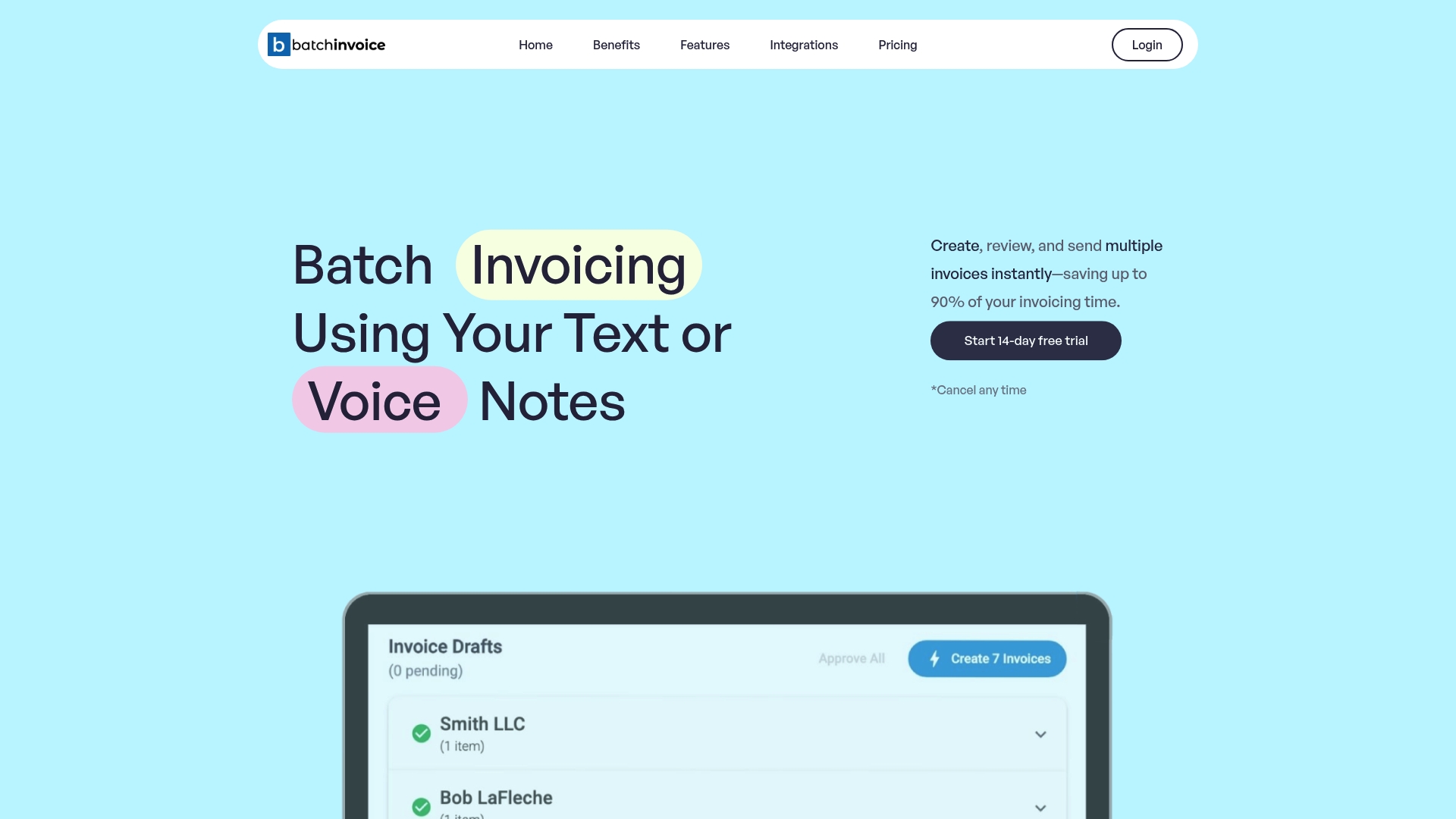
Ready to transform your PDF invoicing process with speed and security Use BatchInvoice.co today to streamline your billing operations and reduce administrative overhead. Start your free trial now and experience how automation empowers your business to handle growing invoice volumes effortlessly.
Frequently Asked Questions
What is PDF invoicing?
PDF invoicing is a digital approach to billing that converts traditional paper invoices into electronic PDF documents, maintaining formatting, and enabling easy sharing.
How does PDF invoicing differ from electronic invoicing?
PDF invoicing consists of human-readable documents that may require manual data entry or OCR processing, while electronic invoicing utilizes structured formats that allow for automatic data processing and system integration.
What are the benefits of using a PDF invoicing solution for my business?
PDF invoicing solutions offer features like automated data extraction, seamless integration with accounting platforms, and improved accuracy, which can significantly enhance financial workflows and reduce administrative tasks.
How do I ensure the security of PDF invoices?
Ensure the security of PDF invoices by implementing encryption protocols, maintaining strict access controls, conducting regular security audits, and establishing clear data handling procedures.